Hogyan készítsünk professzionális prezentációkat a ChatGPT segítségével a PowerPointban
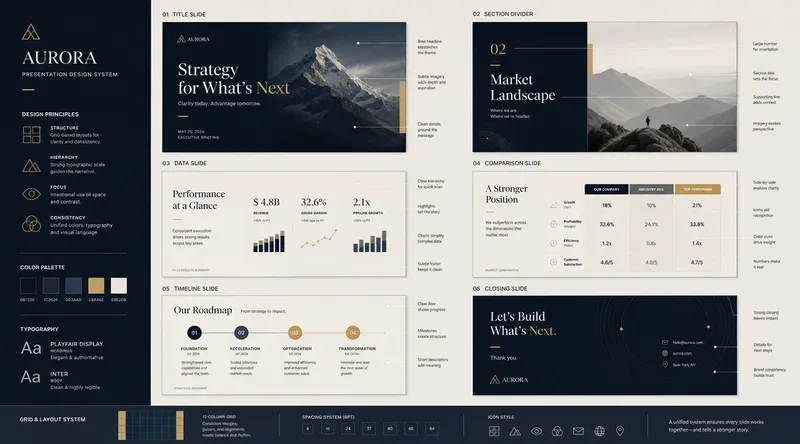
A new integration allows users to build and edit PowerPoint decks directly using ChatGPT. By using the dedicated PowerPoint add-in, users can upload documents, PDFs, spreadsheets, and research files to generate clean, structured presentations including charts and speaker notes.
- Download ChatGPT for PowerPoint from the PowerPoint Add-ins menu in the Insert tab.
- Search for 'ChatGPT' and add the sidebar extension.
- Upload content such as reports, images, or notes for the AI to process.
- Use prompts like 'Turn this report into a clean 10-slide executive presentation.'
- Generate slide outlines, visual ideas, summaries, and meeting summaries automatically.
- The tool is currently rolling out in beta.
Kapcsolódó hírek
Tegye biztonságossá az AI automatizálásokat Idempotencia-védelemmel
2026. szeptember 24.
AI prompt az onboarding növekedési kísérletek tervezéséhez
2026. szeptember 23.
IEEE Spectrum: Az AI hatása a junior mérnökökre
2026. szeptember 17.